Buy with the details in mind
Apple buying guides.
Useful answers, clearly explained.
Understand compatibility, connections, configurations, and the choices that affect your everyday setup.
As an Amazon Associate I earn from qualifying purchases. Amazon links may earn OAS a commission at no extra cost to you. How our links work.

Charging & Cables
Match your iPhone connector, cable capability and power adapter before buying. Understand charging, data transfer and video without paying for the wrong cable.
Read the guide →
iPad Accessories
Choose Apple Pencil by your exact iPad generation, then compare drawing features, pairing and charging. A newer Pencil is not a universal upgrade.
Read the guide →
iPad Accessories
Find the right iPad keyboard case by model, generation, typing setup and charging needs. Understand Magic Keyboard, Folio and separate keyboard tradeoffs.
Read the guide →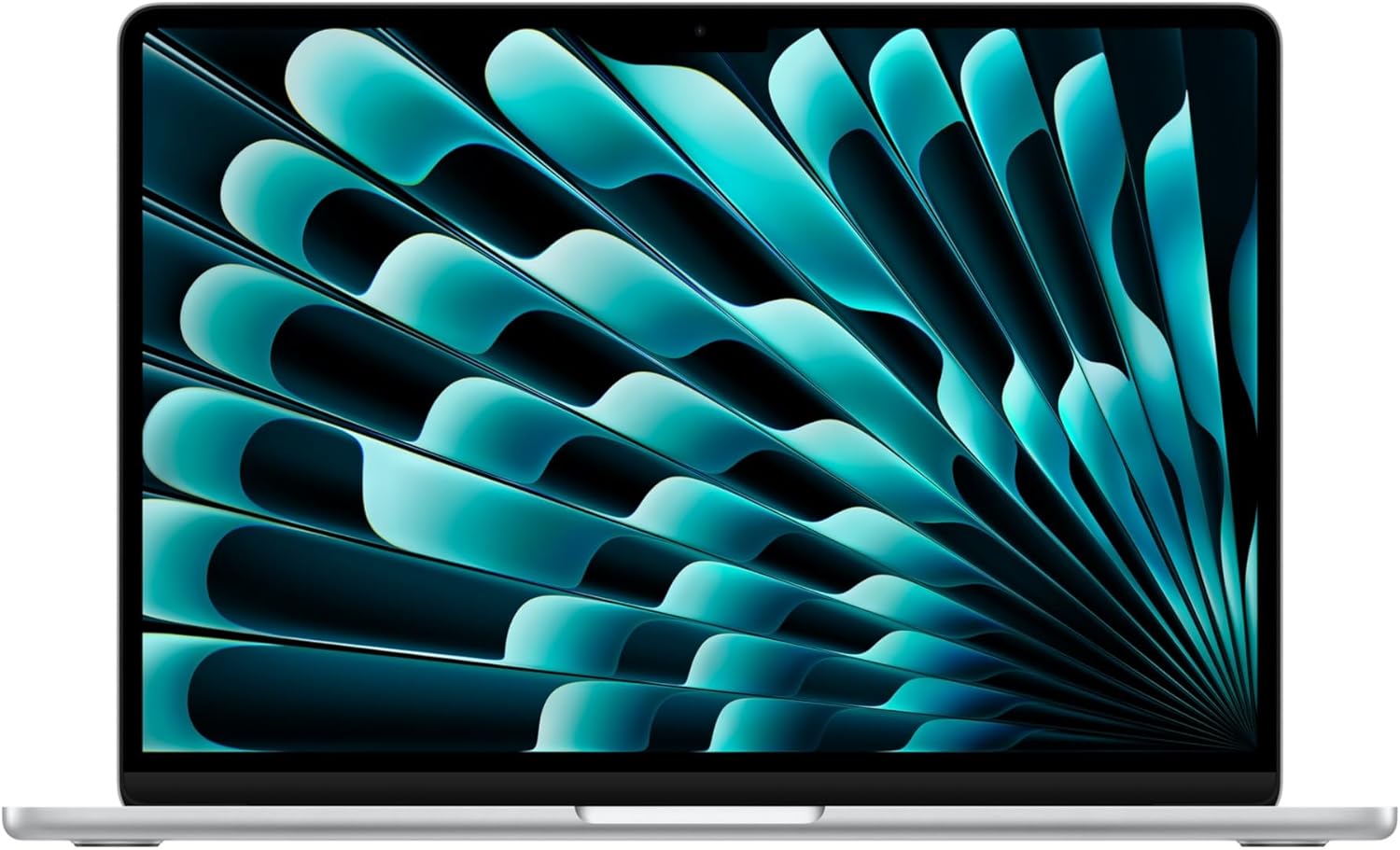
Mac
Choose a MacBook around your apps, memory, storage, displays and everyday workspace. Compare exact configurations instead of judging by Air or Pro alone.
Read the guide →
Docks & Displays
Choose a Mac dock by the exact chip, number of independent displays, resolution, refresh rate and charging output. Avoid connector-count confusion.
Read the guide →
Charging & Cables
Build a compatible MacBook charging kit by checking the exact model, adapter output, cable and multiport power allocation. Understand USB-C and MagSafe choices.
Read the guide →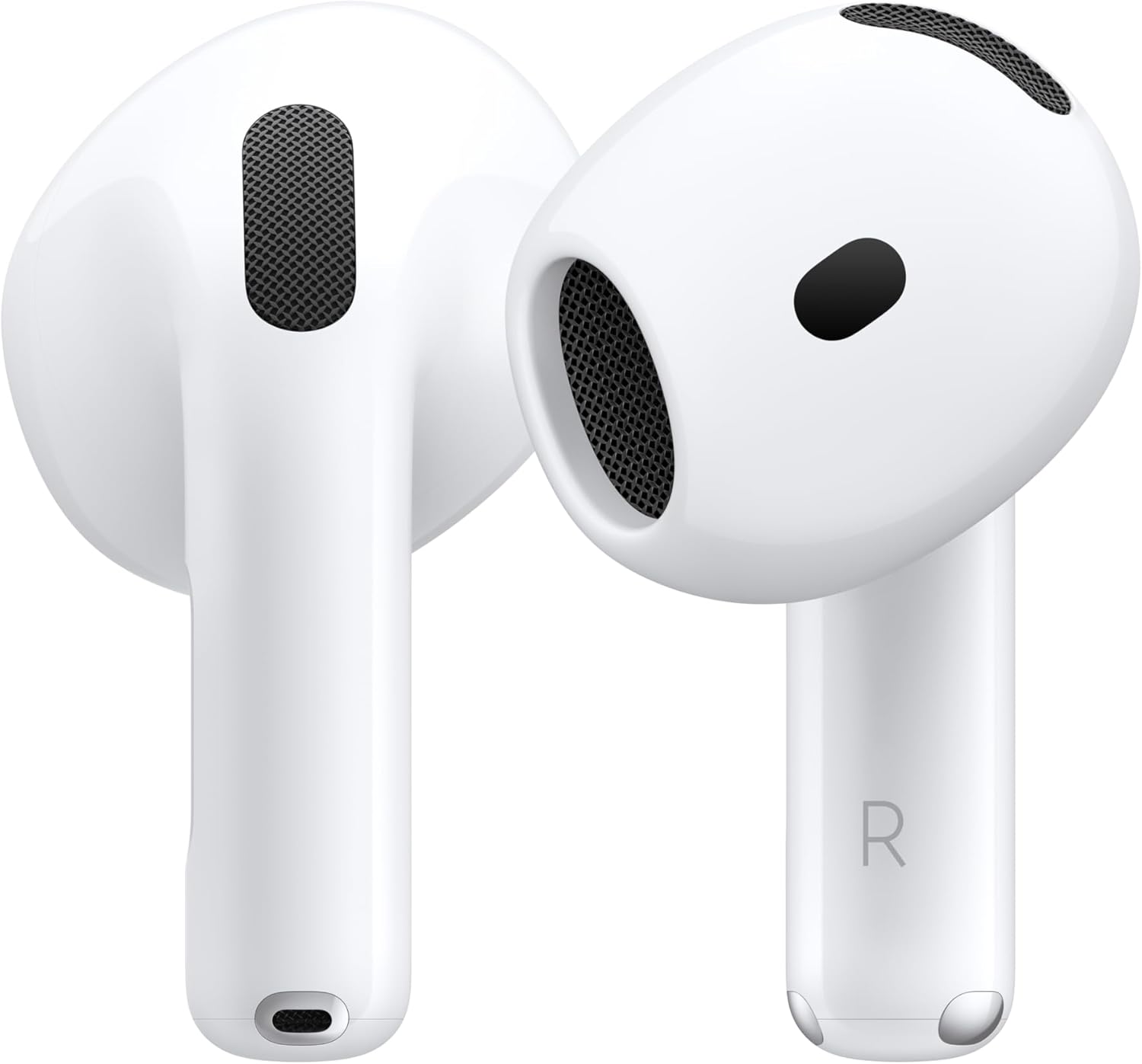
AirPods & Audio
Compare AirPods by fit, noise-control features, charging case and device requirements. Check exact variants before choosing a new, used or renewed offer.
Read the guide →
Apple Watch
Choose Apple Watch bands by exact case compatibility and wrist fit, then verify charging accessories. Understand why case size, band size and charging speed differ.
Read the guide →
Storage & Desk
Choose external storage for Mac and iPad by purpose, connection, power and format. Keep working storage separate from a dependable backup plan.
Read the guide →
Apple TV & Home
Compare the two third-generation Apple TV 4K configurations and plan the HDMI, network and remote charging connections before buying.
Read the guide →
Renewed Apple
Compare renewed and used Apple listings by exact configuration, condition, battery information, included accessories and return terms before buying.
Read the guide →
Apple TV & Home
Choose an AirTag setup around the item you want to find, the holder that secures it and the Apple Account that will manage it.
Read the guide →