Renewed Apple / OAS buying guide
Buying Renewed Apple Devices: Condition, Activation Lock and the Real Total Cost
Compare renewed and used Apple listings by exact configuration, condition, battery information, included accessories and return terms before buying.
By Old Apple Store · Documentation checked 2026-11-02
As an Amazon Associate I earn from qualifying purchases. Amazon links may earn OAS a commission at no extra cost to you. How our links work.
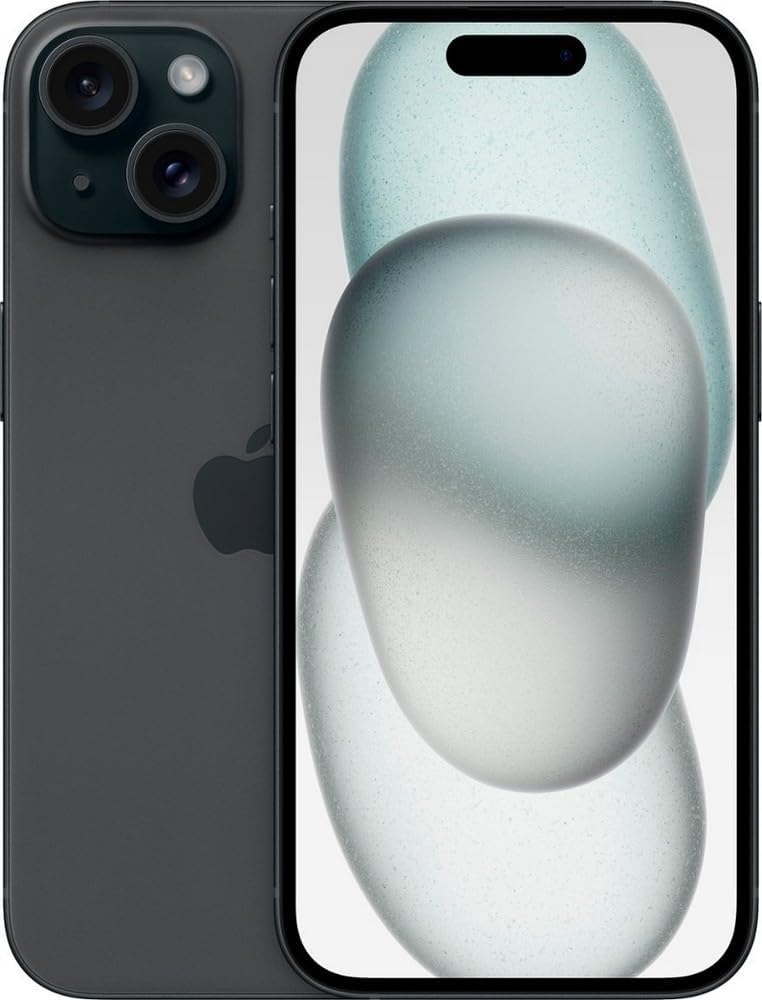
A renewed Apple listing is worth considering only when you can identify the exact device and understand the offer. Start with model, generation, capacity and condition, then examine the seller's description and return terms. A familiar product name or an attractive discount does not answer the questions that determine whether the device will work for you.
Define an acceptable device before browsing
Write down the apps you need, the accessories you want to keep, and any required ports or cellular features. For a Mac, note the chip, memory and storage. For an iPhone or iPad, record the model, capacity and connectivity variant. For a Watch, include case size and exact generation. This keeps a low-priced but unsuitable configuration from drifting into your shortlist.
Condition descriptions deserve a separate comparison. Ask what the seller says about cosmetic wear, battery condition, replacement parts, testing and included accessories. Do not assume that two sellers use the same grading process. Save the actual offer details so the device you receive can be checked against what was promised.
Treat Activation Lock as a purchase check
Apple advises that a used iPhone or iPad should be erased and removed from the previous owner's account. If setup asks for that owner's account information or displays an owner-lock message, the device is not ready for you to use. Apple's preowned-iPhone guide recommends returning an online purchase that arrives Activation Locked. A device showing a welcome screen still needs to complete setup successfully; do not treat a photograph of that screen as proof of the whole process.
Inspect promptly after delivery
Plan time within the return period to set up and test the device. For an iPhone, Apple's guide discusses physical condition, battery information and parts or service history where supported. Build a practical checklist around your own uses: charging, touch input, cameras, speakers, microphone, Wi-Fi and the accessories you rely on. Keep the packaging and record any issue clearly while the seller's return process is available.
If buying for someone else, allow time for this inspection before the gift date. If replacing your main work device, keep the previous one available until the replacement is configured and important files are accessible. That is a planning choice that reduces the cost of an inconvenient return.
Calculate the complete cost
Add any missing charger, cable, keyboard, stylus or compatible case. Compare that total with a clearly identified alternative rather than a crossed-out reference price. If battery information is vague, factor that uncertainty into your decision instead of inventing a remaining lifespan. Check software and app compatibility with the appropriate vendors before buying an older model.
OAS distinguishes documented specifications from seller claims. We do not imply that Amazon Renewed is the same program as Apple Certified Refurbished or that every offer has identical terms. Read the policy attached to the actual offer at checkout.


