Skip to content Independent Apple buying guides & Amazon product finds
Home / Products / Apple TV 4K 3rd Generation — 128GB Wi-Fi + Ethernet Apple / Apple TV & Home
Apple TV 4K 3rd Generation — 128GB Wi-Fi + Ethernet The wired-network version of this Apple TV generation for a television setup.
View on Amazon↗ Check the selected configuration, seller, condition, current price, and availability on Amazon.
As an Amazon Associate I earn from qualifying purchases. How our links work .
Compare with other products → Get the model right
Details at a glance. These details identify the product covered by this page. Retailer pages may offer additional configurations; confirm the selected option before ordering.
A better buying decision
Is it right for your setup? Good fit for An Apple TV setup with access to a wired network.
Key considerations Ethernet is included in this specific 128GB version. The explicit generation and capacity help separate it from other Apple TV listings. Check before buying Do not confuse it with the 64GB Wi-Fi-only model. Check HDMI cable needs and seller condition.
Use the compatibility guide → Sources & product reference As an Amazon Associate I earn from qualifying purchases. Amazon links may earn OAS a commission at no extra cost to you. How our links work .
Apple TV & Home
A four-item tracking kit for belongings such as bags and keys.
Apple TV & Home
An HDMI cable option for connecting a compatible Apple TV or adapter to a display.
Apple TV & Home
A compact Apple home speaker for a Wi-Fi listening setup.
Apple TV & Home
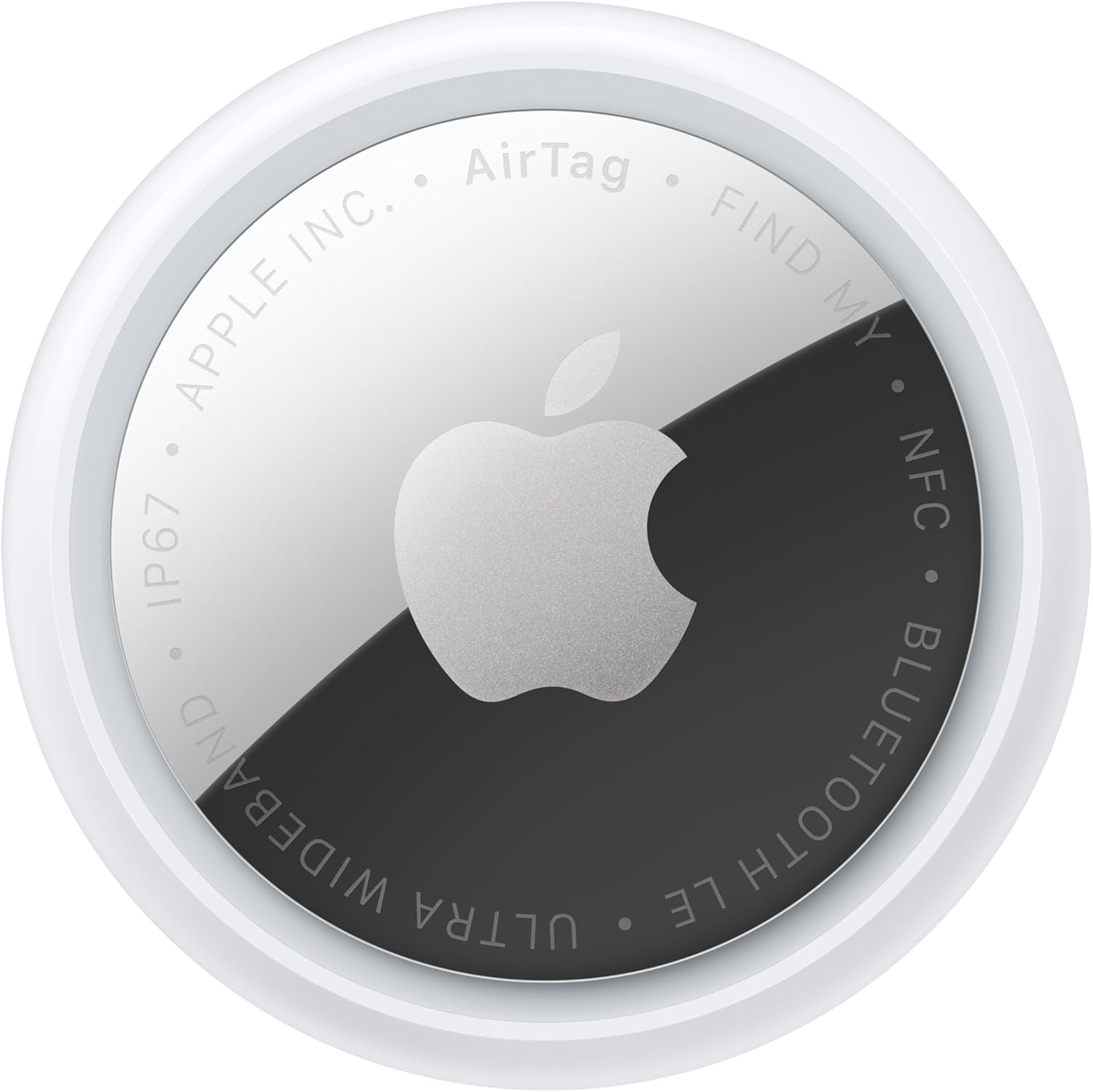
A single second-generation AirTag for adding item tracking to one belonging.
Read before you buy
Practical Apple buying guidance. All guides → As an Amazon Associate I earn from qualifying purchases. Amazon links may earn OAS a commission at no extra cost to you. How our links work .
Apple TV & Home
Compare the two third-generation Apple TV 4K configurations and plan the HDMI, network and remote charging connections before buying.
Read the guide → Apple TV & Home
Choose an AirTag setup around the item you want to find, the holder that secures it and the Apple Account that will manage it.
Read the guide →