Apple TV & Home / OAS buying guide
AirTag Buying Guide: Plan the Item, Holder and Everyday Setup
Choose an AirTag setup around the item you want to find, the holder that secures it and the Apple Account that will manage it.
By Old Apple Store · Documentation checked 2026-11-02
As an Amazon Associate I earn from qualifying purchases. Amazon links may earn OAS a commission at no extra cost to you. How our links work.

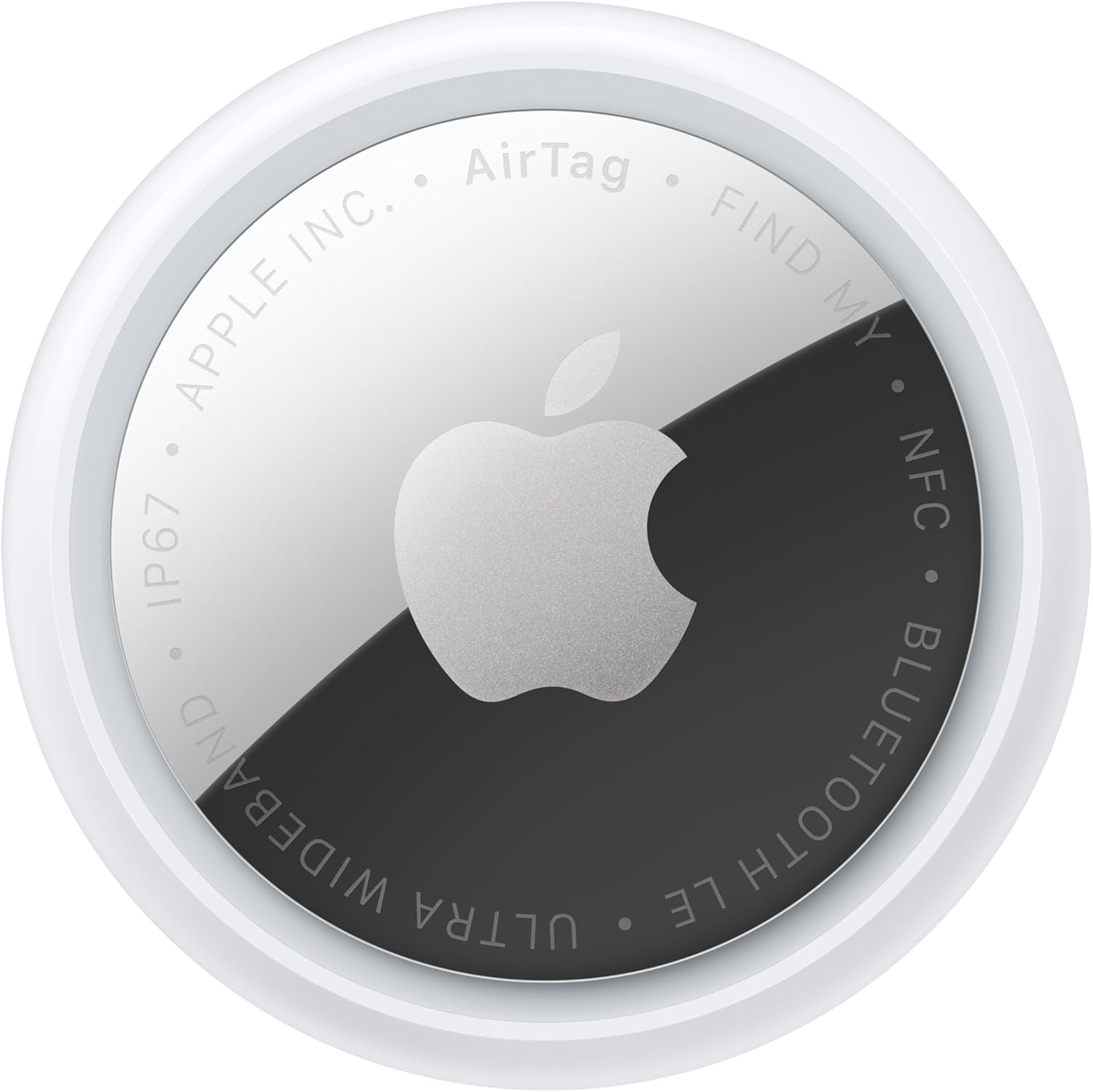
Choose an AirTag setup by starting with the item you want to find. Keys, a backpack and a travel bag create different attachment needs. Write down where the tracker will sit, who owns the item, and which phone will manage it. Then compare the exact AirTag version and compatible holder as a complete purchase. A multipack is useful only when you have a clear role for each tracker.
Set expectations around Find My
Apple describes registering an AirTag to an Apple Account through an iPhone and using Find My for misplaced belongings. An AirTag can be registered to one account at a time, with sharing available. If a used tracker remains linked to someone else's account, that person needs to remove it before you can add it. Confirm that setup can be completed before relying on a secondhand item.
Think about the moments when you misplace things. A key tracker might be most useful when you are leaving home in a hurry; a bag tracker needs an attachment that stays with the bag through normal handling. Do not buy on the assumption that a tracker guarantees recovery or replaces careful labeling and sensible handling of valuable belongings.
Choose a holder that suits the item
Read the holder manufacturer's compatibility list for the AirTag version you are buying. Look at how it closes, how it attaches, and whether you can access the tracker for maintenance. For keys, consider the bulk added to the keyring. For a bag, choose a location that will not interfere with zippers or handles. If using an adhesive or concealed mount, follow the mount manufacturer's instructions for the intended surface and use.
Photographs can make a holder look more complete than the package actually is. Check whether the AirTag is included or shown only for illustration. Compare a tracker-plus-holder bundle with separate purchases using the same quantities. A four-holder set is not equivalent to four trackers, even when the photos look similar.
Plan battery replacement
Apple's battery guide specifies a CR2032 3V coin battery for the covered AirTag model and advises choosing packaging that states AirTag compatibility. It notes that some bitterant-coated batteries may not work. Keep coin batteries and the removable parts away from children. Check the documentation for your exact tracker rather than assuming every future version uses identical maintenance parts.
Choose a holder you can reopen without damaging it when the battery needs attention. Keep replacement batteries in their original secure packaging, and use the low-battery information in Find My to decide when maintenance is needed. There is little value in buying an attractive holder that makes routine upkeep unnecessarily difficult.
Finish the setup before putting it away
Name each item clearly in Find My and test that you can identify the correct tracker. If household members share an item, review the supported sharing setup together. Our buying checklist is exact tracker, compatible holder, intended item, account setup and battery access. Confirm the selected Amazon quantity and bundle contents before checkout.