AirPods & Audio / OAS buying guide
AirPods Buying Guide: Fit, Noise Control and Charging Case Differences
Compare AirPods by fit, noise-control features, charging case and device requirements. Check exact variants before choosing a new, used or renewed offer.
By Old Apple Store · Documentation checked 2026-11-02
As an Amazon Associate I earn from qualifying purchases. Amazon links may earn OAS a commission at no extra cost to you. How our links work.
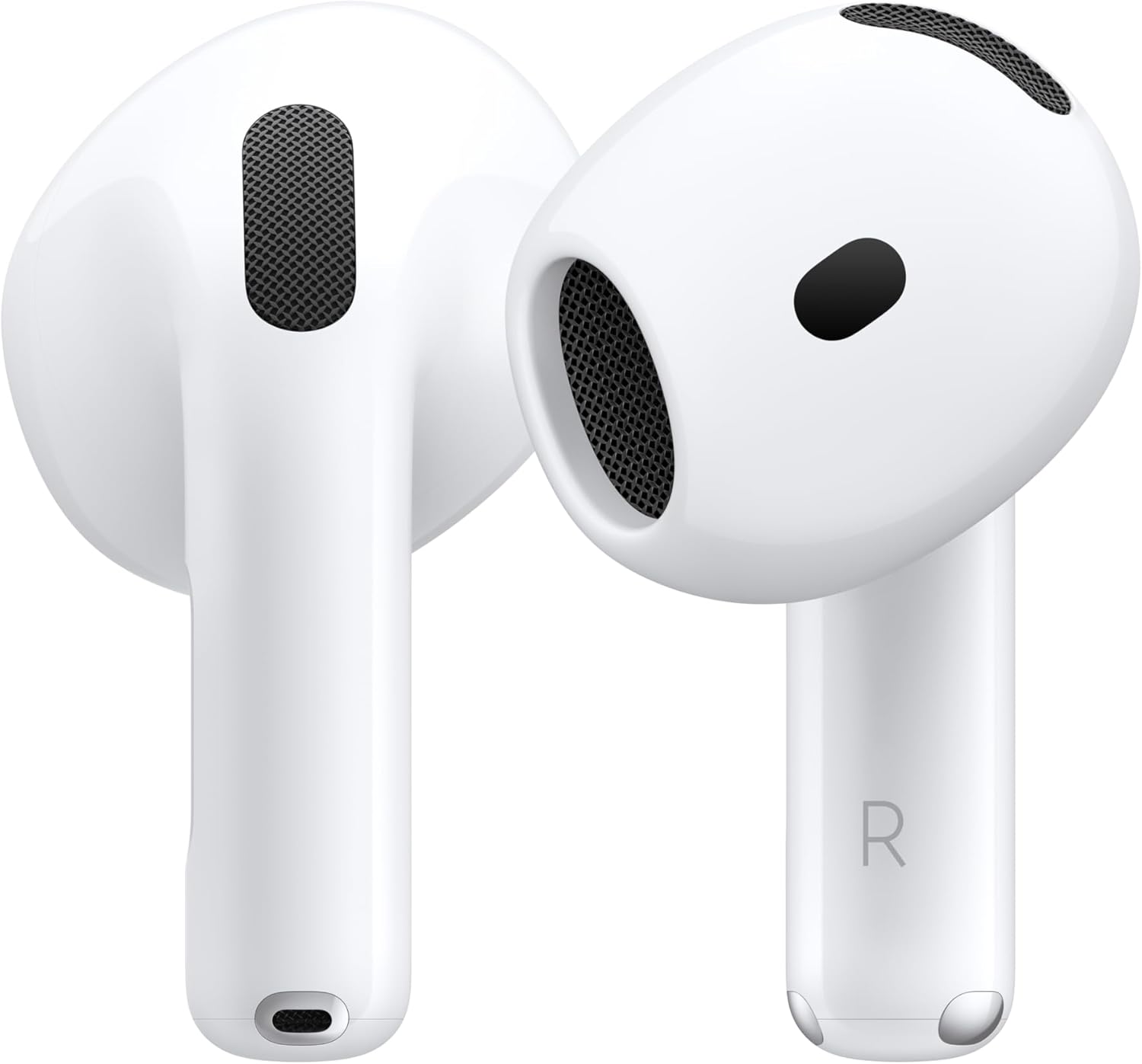
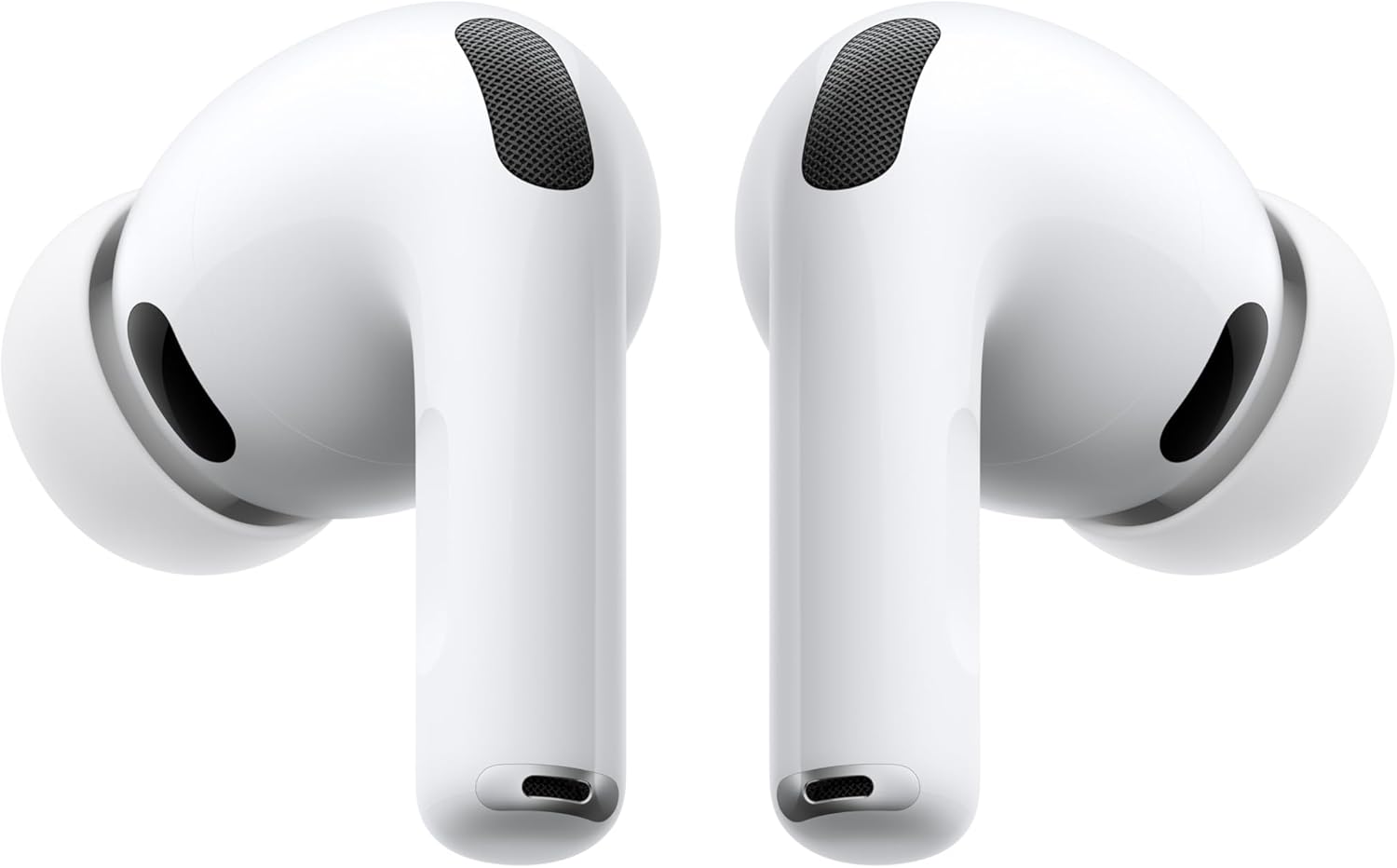
Choose AirPods around the fit you want and the environments where you listen. Then compare the exact model and charging case. A shorter product title can hide an important difference: standard AirPods 4 and AirPods 4 with Active Noise Cancellation are separate versions, and older AirPods Pro listings can differ by charging connector. Read the full selection before treating two prices as comparable.
Make fit the first decision
If you already know you prefer earbuds with replaceable silicone tips, include that in your requirements. Apple's specification for AirPods Pro 2 with the USB-C case lists four sizes of silicone tips. If you dislike that style, inspect the physical design of other models instead of assuming a more expensive version will be more comfortable. Fit is personal, so check the seller's return terms before choosing an unfamiliar earbud design.
Think about how long you normally wear earbuds and whether you use them primarily at a desk, on public transport, during calls or around the house. Keep the return terms visible while comparing products. A useful feature list cannot compensate for a fit you do not want to wear.
Check the exact noise-control version
Apple distinguishes standard AirPods 4 from AirPods 4 with Active Noise Cancellation. The ANC model includes noise-control features and a charging case that supports USB-C, compatible wireless charging and an Apple Watch charger. The standard version should not be assumed to include those case features. Match the product title, selected variation and box contents before buying.
Build the charging routine around your existing kit
Read the case specification separately from the earbuds. Check its connector, supported wireless charging methods and whether a cable is supplied. If you want one cable for your phone, tablet and earbuds, verify all three connectors. If you plan to use a charging stand, match the stand's supported products rather than relying on a broad “Apple-compatible” label.
When replacing a lost case or earbud, be especially exact about the generation. A complete set and a single replacement component are different purchases. Keep the model information from your current device available before browsing accessories or replacement parts.
Consider the devices you use
Apple documents AirPods as Bluetooth headsets for non-Apple devices, with listening and calling but without Siri. Apple-specific functions have their own device and software requirements. If you split time between a Mac, iPhone and another platform, identify which functions matter most and verify them individually. Avoid paying extra for a feature that is unavailable in the setup where you spend most of your listening time.
Our comparison method is to list fit, noise control, case connector, charging methods, device requirements and condition in separate rows. Check the live Amazon selection for seller, included pieces and return terms. We do not reproduce unverified ratings or promise a particular listening experience.